
How the Pokémon Vending Machine works
NinVendor turns a store order into a private in-game Link Trade — the game’s own trade-by-code screen. Pick the Pokémon, follow the code on your order screen and collect it without arranging a time with a seller. Most successful trades finish in about two minutes.
How do I receive my NinVendor purchase?
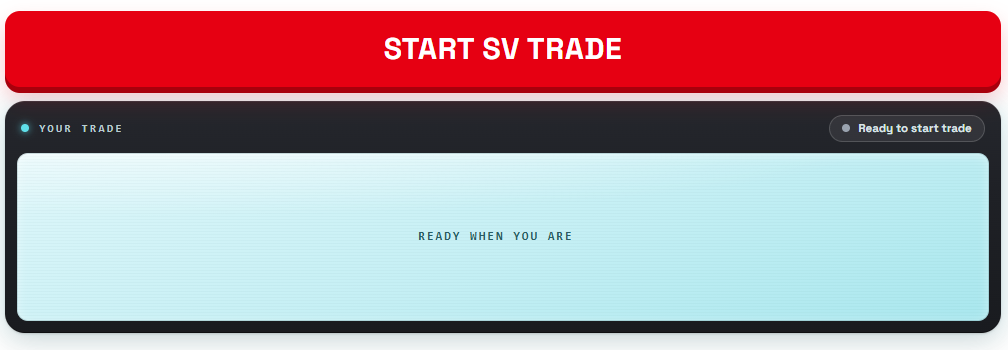
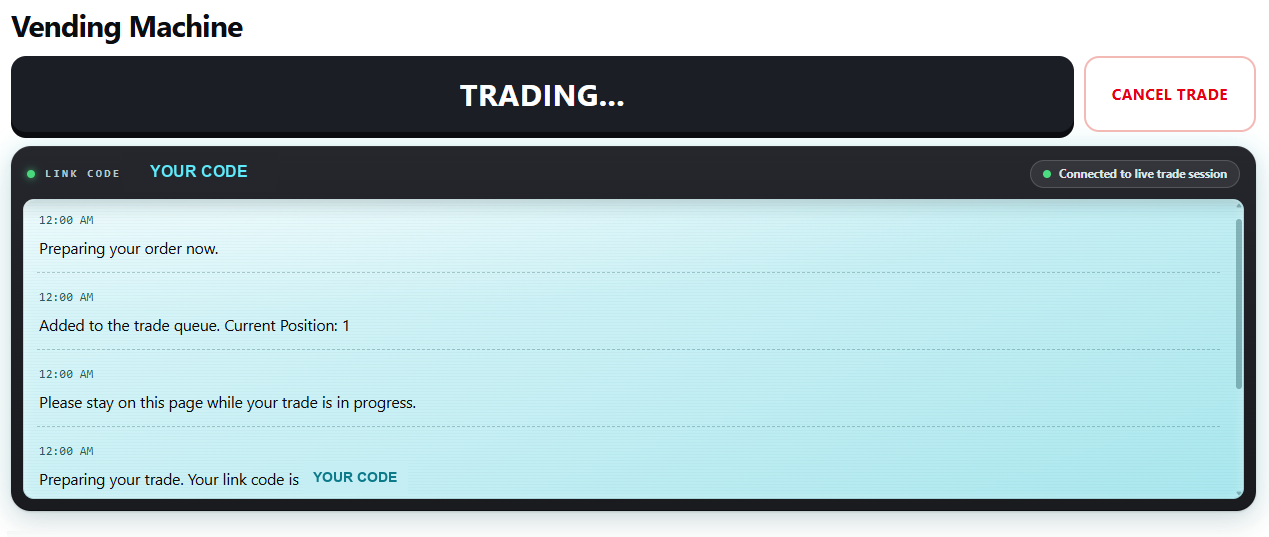
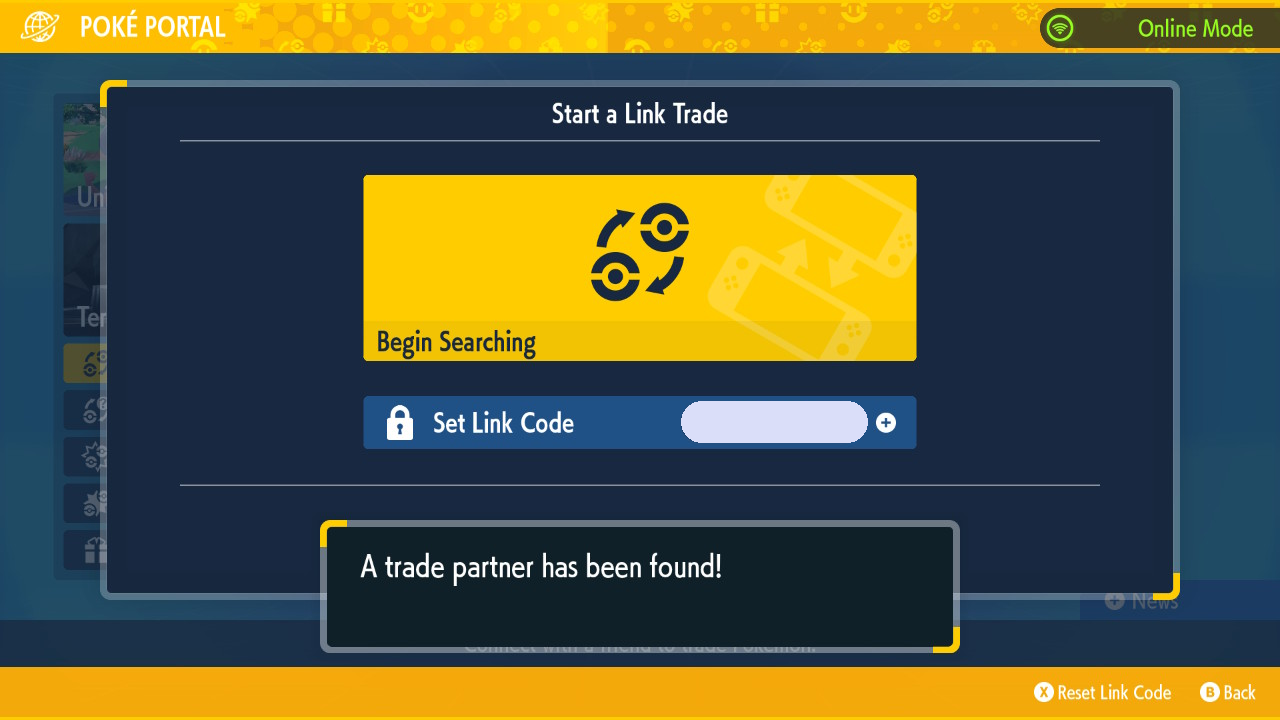
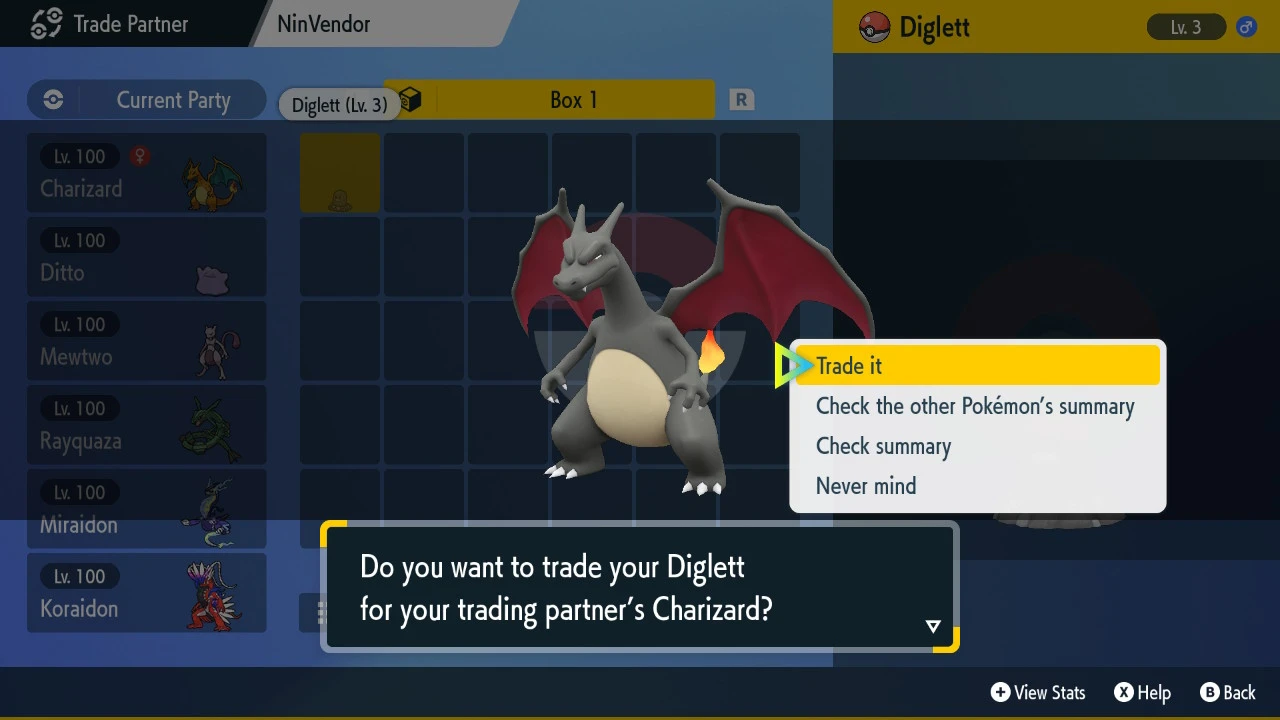
After checkout, open the order confirmation and use its private Link Trade code in the game named on the product. Stay on the page, connect the game online and search only when the Vending Machine says it is searching. The Pokémon is then offered through the normal trade screen.
Choose
Pick a ready-made Pokémon or use Custom Build for the supported details you want.
Get the code
Your order page shows the Link Trade code and live prompts for that order.
Collect in-game
Enter the code, search when prompted, confirm the offered Pokémon and finish the trade.
What does “100% legality-checked — every single order” mean?
The Vending Machine evaluates the finished Pokémon against the destination game’s legality rules before it is sent. The check covers the requested attributes together, because two individually valid choices can still form an impossible combination. If something must change, the minimum legal correction is made and recorded.
“Legal” describes the Pokémon data and its consistency with the receiving game. It does not mean each Pokémon was caught by hand. HOME applies a separate acceptance layer, so select HOME Compatible (+$3) where that transfer matters.
Will my paid Pokémon have a website nickname?
Paid orders arrive with the Original Trainer NinVendor, or with the trainer details and nickname you chose on a Custom Build where the combination is legal. They never carry the PokeVend, PKMVend, PKMPlug or NinVend advertising nicknames; those belong to the free public giveaways.
What happens when I meet the Vending Machine on an evolution trade code?
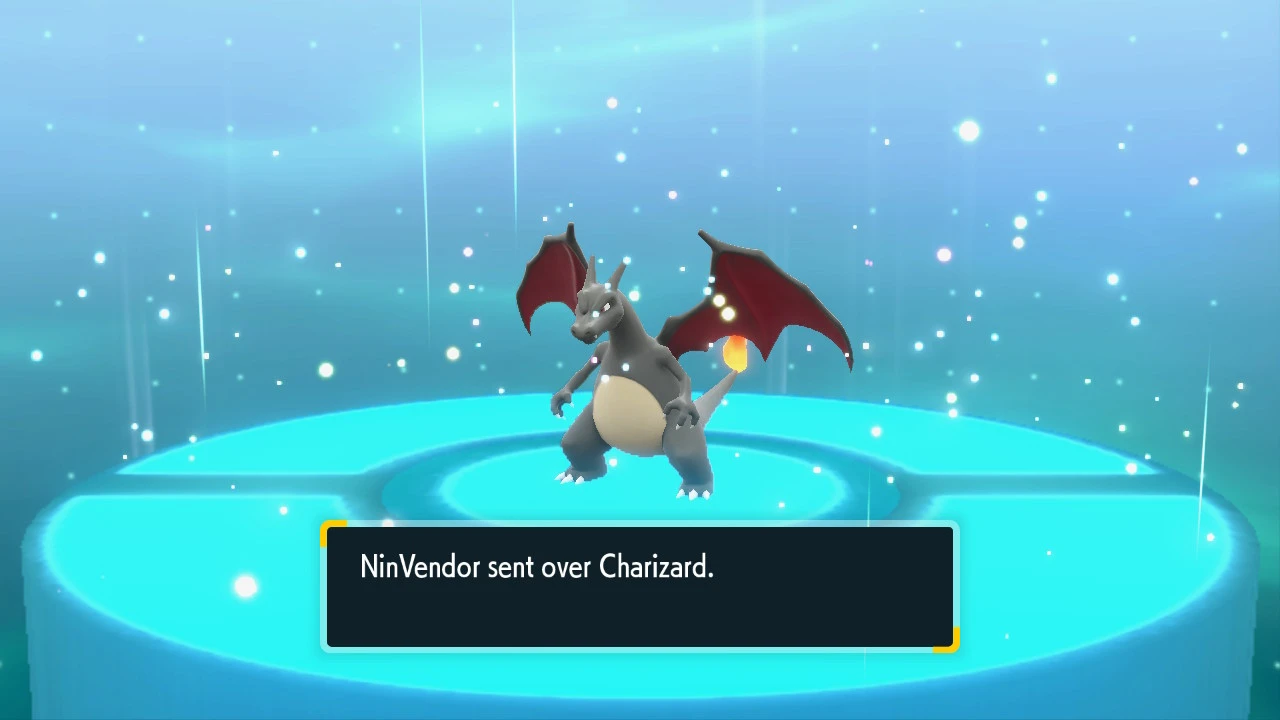
On popular trade-evolution codes the Vending Machine offers a free branded Pokémon — often one that evolves the moment you receive it, like a Kadabra or an item-holding Scyther. It is a normal link trade: you offer a Pokémon, you receive ours.
This applies only to supported fixed evolution codes. A normal public/random trade is a two-way exchange.
What happens if the Link Trade fails?
First confirm the game is online, the code matches the current order and you are searching only when the site says the Vending Machine is ready. Stay on the page and retry when prompted. If the order remains stuck, send support the order number so it can be checked, fixed, replaced or refunded under the refunds policy.
Your search and the Vending Machine are usually out of sync. Re-enter the current code and start only on the live prompt.
Reconnect the game online, stay outside a Union Circle lobby (Scarlet & Violet) and let the automated retry run.
Most orders move quickly. If it has been much longer than a couple of minutes, send the order number to support.